Get your 3D printing service online and ready to take orders with this easy-to-follow guide.
Welcome to SeekMake! Getting started is simple. First, navigate to the SeekMake website and click on the ‘Sign Up’ button. You’ll be prompted to enter your email address, choose a secure password, and provide some basic information about your 3D printing business. This includes your business name, location, and the primary types of 3D printing services you offer. Make sure to use a professional email address associated with your business for a more credible appearance. Once you’ve filled in all the required fields, accept the terms of service and click ‘Create Account’. You’ll receive a confirmation email to verify your address. Click the link in the email, and you’re ready to move on to the next step!
During signup, consider the long-term vision for your business. The information you provide now will help SeekMake tailor the platform to your specific needs and ensure a smooth onboarding experience. Don’t worry, you can always update your business information later in the settings panel.
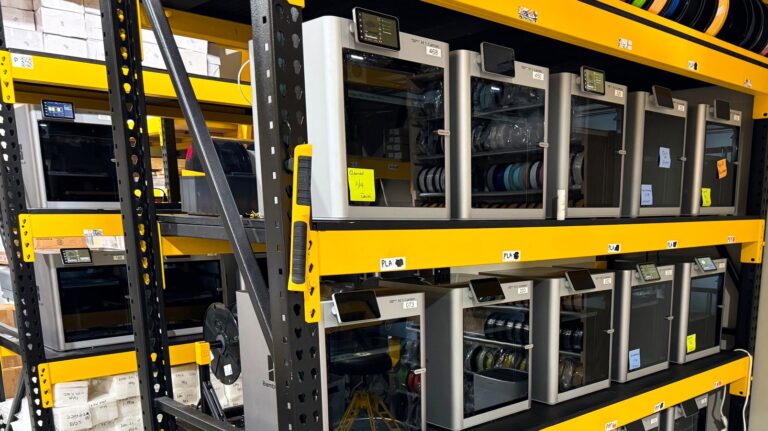
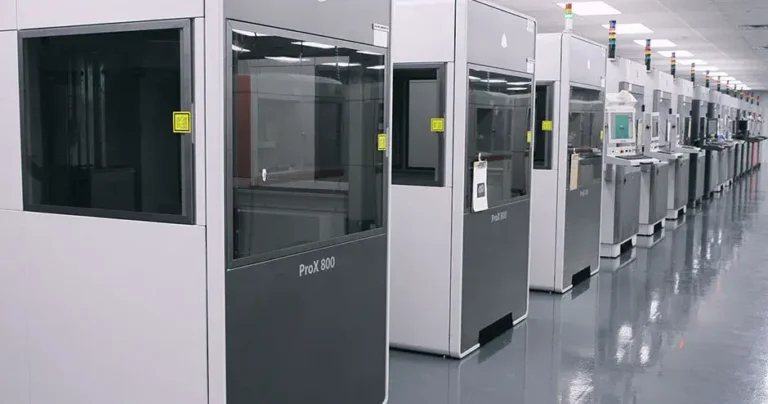
Now that your account is set up, it’s time to add your 3D printers to SeekMake. This allows the platform to accurately calculate print times and material usage. Navigate to the ‘Machines’ section in your SeekMake dashboard. Click ‘Add Machine’ and enter the details of your first printer. This includes the printer’s name (e.g., ‘Prusa i3 MK3S’), technology (e.g., FDM, SLA), build volume dimensions (X, Y, Z), and any relevant notes. Accurate build volume dimensions are crucial for SeekMake to correctly assess whether a part will fit on your printer.
Repeat this process for each 3D printer in your workshop. The more accurately you define your machines, the more precise SeekMake’s pricing and scheduling will be. You can also specify printing profiles for each machine, detailing layer height, infill density, and other printing parameters. These profiles ensure consistent print quality and allow you to offer different printing options to your customers. Remember to save your changes after adding each machine!


Next, you’ll need to add the materials you offer to SeekMake. Go to the ‘Materials’ section in your dashboard. Click ‘Add Material’ and provide the material’s name (e.g., ‘PLA – White’), type (e.g., PLA, ABS, PETG, Resin), color, and cost per kilogram or liter. Accurate material costs are essential for calculating your profit margins. You can also add a description of the material’s properties and ideal applications to help your customers make informed decisions.
Consider adding a range of materials to cater to different customer needs. Offering various colors, strengths, and finishes can significantly broaden your customer base. You can also specify material densities, which are used to calculate the weight of printed parts. Regularly update your material costs to reflect any changes in supplier pricing. SeekMake allows you to easily manage and update your material inventory, ensuring accurate pricing and availability.
Configuring your shipping options is crucial for delivering finished parts to your customers. In the ‘Shipping’ section of your SeekMake dashboard, you can define the regions you ship to, the shipping methods you offer (e.g., standard, express), and the associated costs. You can set flat rates for specific regions or use weight-based pricing for more accurate calculations. Consider offering local pickup options for customers in your area.
Clearly communicate your shipping policies to your customers, including estimated delivery times and any applicable surcharges. You can also integrate SeekMake with popular shipping providers like USPS, FedEx, and UPS to automatically calculate shipping costs and generate tracking numbers. Providing accurate and transparent shipping information builds trust with your customers and ensures a smooth order fulfillment process. Remember to test your shipping configurations to ensure they are working correctly before going live.
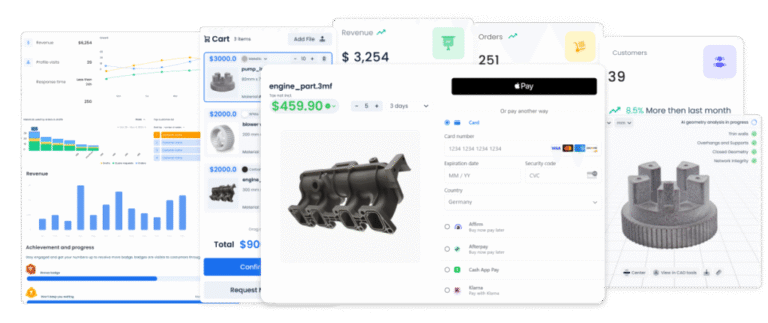
SeekMake offers flexible pricing options to help you maximize your profits. In the ‘Pricing’ section, you can set your base prices for printing time, material usage, and any additional services you offer. You can also define minimum order values and apply discounts for bulk orders. Experiment with different pricing strategies to find the optimal balance between profitability and competitiveness. Consider researching the pricing of other 3D printing services in your area to get a sense of the market rates.
SeekMake allows you to adjust your pricing based on factors like material type, print complexity, and order volume. You can also create custom pricing rules for specific customers or projects. Regularly review your pricing to ensure it reflects your costs and market conditions. Don’t be afraid to adjust your prices as your business grows and evolves. Remember, SeekMake is a tool to help you optimize your pricing and maximize your revenue.
Congratulations! You’ve configured your SeekMake account and are ready to start taking orders. Before going live, double-check all your settings to ensure they are accurate and up-to-date. Test the order process from the customer’s perspective to identify any potential issues. Once you’re satisfied, integrate SeekMake into your website by embedding the provided code snippet. This will add a ‘Get a Quote’ button to your product pages, allowing customers to easily upload their 3D models and request quotes.
Promote your 3D printing services on social media and other online platforms to attract new customers. Respond promptly to quote requests and provide excellent customer service. SeekMake provides tools to manage your orders, track your progress, and communicate with your customers. Regularly monitor your performance and make adjustments as needed to optimize your business. With SeekMake, you have everything you need to succeed in the 3D printing industry. Good luck!
Key Takeaways