How to streamline production planning with software
Streamline production planning by instantly confirming orders with SeekMake’s automated quoting software.
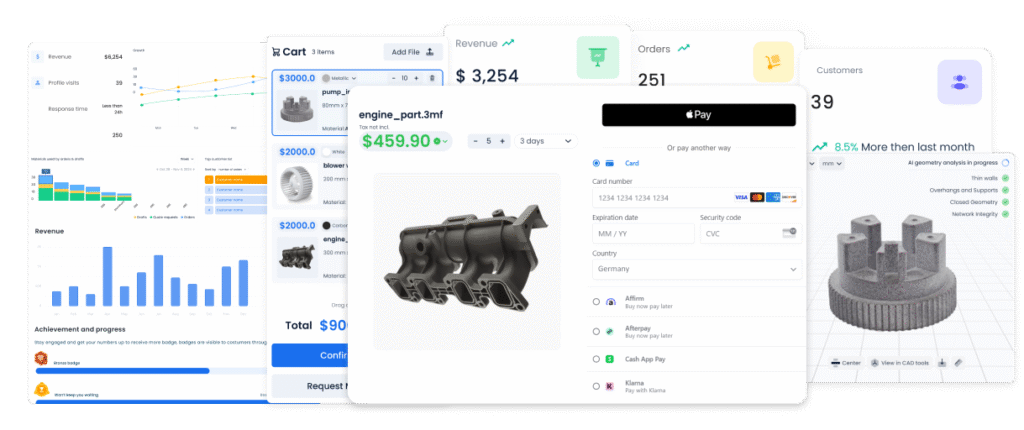
Production planning gets easier when orders arrive complete. SeekMake captures files, options and payment online, then feeds a queue so your shop can plan from real data.
How to streamline production planning with software
Instant Quote
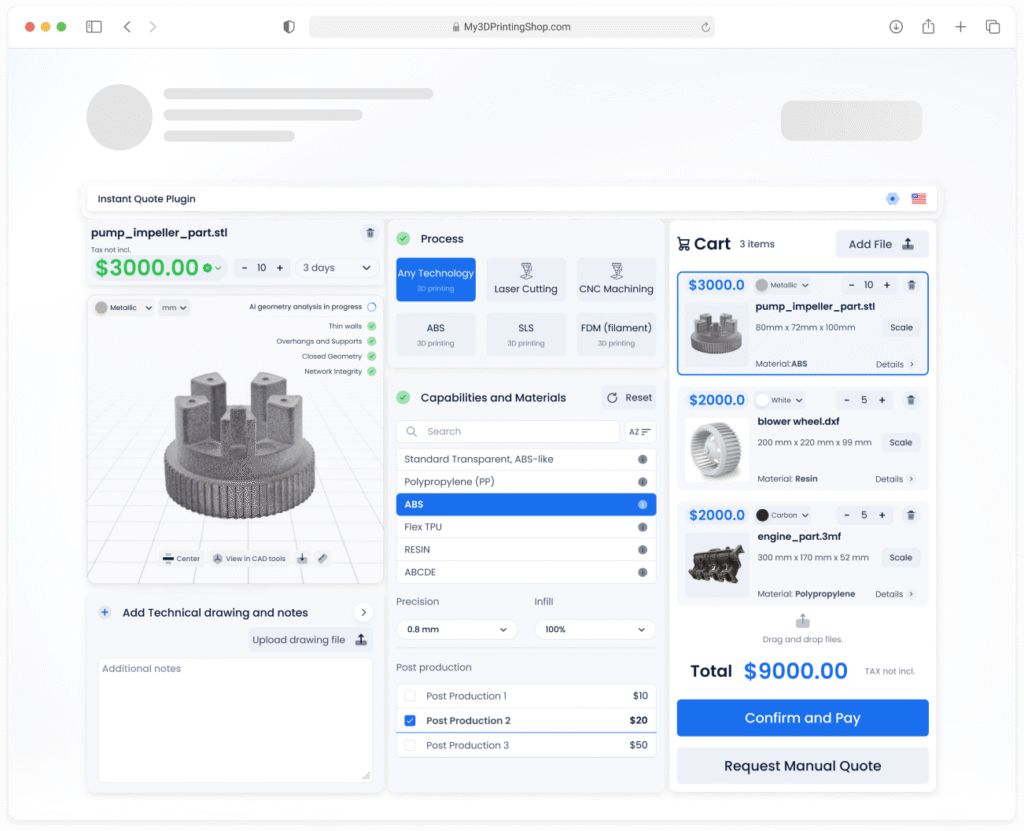
Every quote records material, quantity and lead time chosen by the customer, so planners start from clear numbers rather than guesses. Prices follow your machine rates and setup fees. Nothing is left to interpretation.
Online Payment
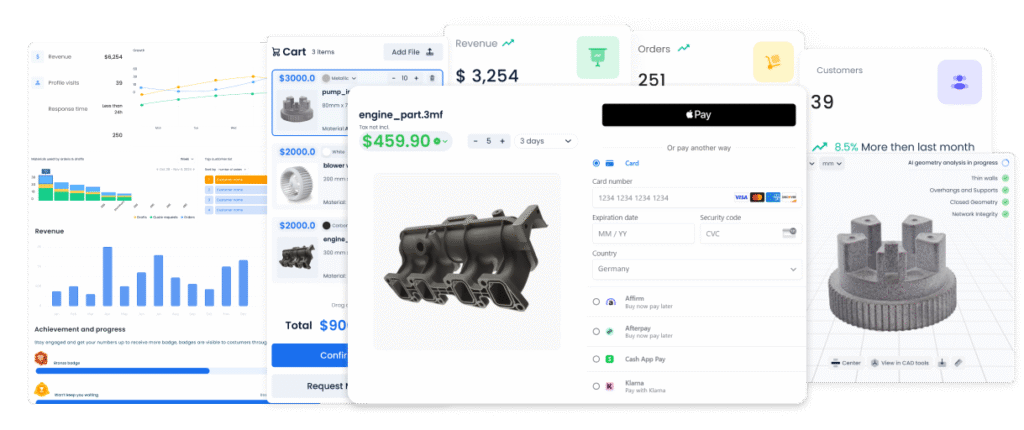
Paid orders are confirmed before they reach production. Planners can schedule work knowing the customer has already paid through your Stripe or PayPal account. That removes a common source of schedule gaps and reshuffled queues.
Model Preview
The 3D viewer shows dimensions and orientation, so planners can judge part size and likely machine fit without opening the file in separate software. Quick visual checks save planning time.
Model Fixing
File checks flag holes, flipped normals and overlapping triangles before a job is accepted, which prevents surprises that disrupt a planned schedule. Planned machine time stays reliable for everyone.
File Manager
Multi-file orders keep each part's material, finish and quantity separate, so planners can split work across machines with confidence. Large jobs become easier to schedule because each line shows exactly what must be produced and in what quantity.
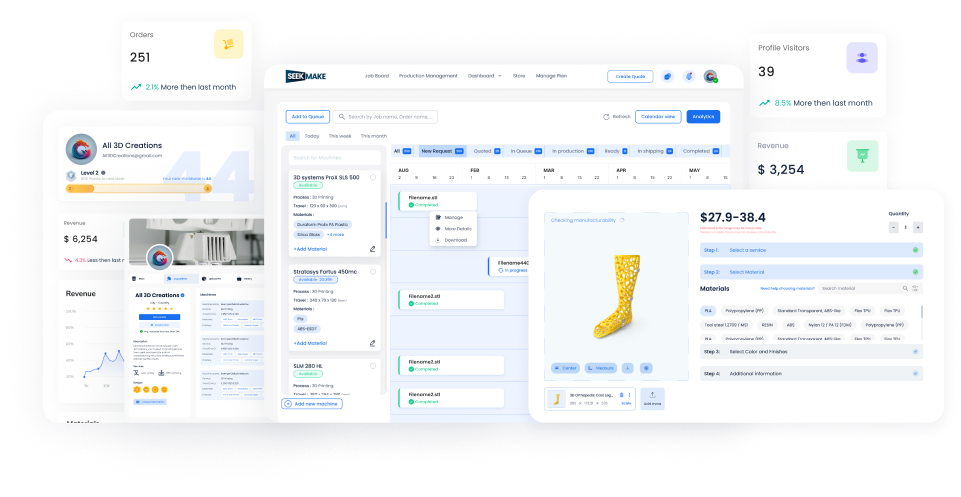
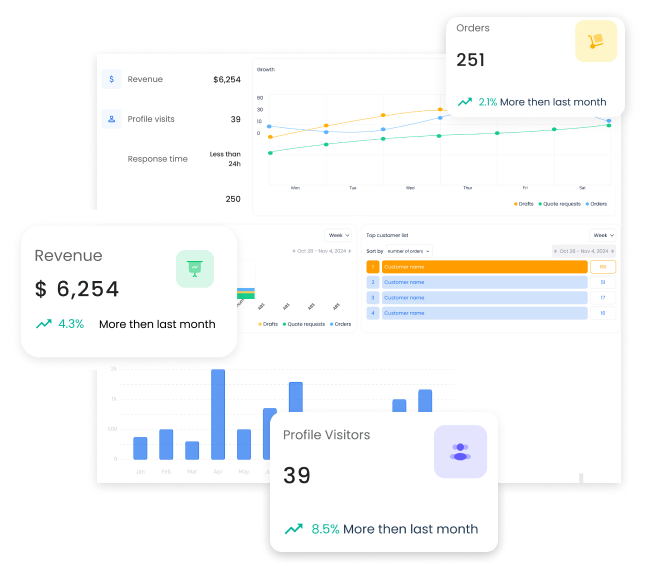
A planning view of customers, orders, machines and the production queue
Customers Manager
Link each job to its customer record so planners can see who is waiting and how important repeat accounts are.
Discounts Manager
Use discounts for slower periods to pull in orders and keep machines busy without changing your base prices.
Orders Manager
Orders show status and requested lead time, which helps planners sort jobs by what is due first. Priorities become obvious.
Shipping Settings
Shipping methods and rules set the delivery expectation, letting planners work backwards from the promised date. Dispatch becomes easier to schedule.
Machines Manager
Machines are listed with their materials and processes, so each job lands on equipment that can really run it.
Materials Manager
Material records show what you stock and offer, helping planners avoid promising something that is not available. Stock questions get quicker answers.
Custom Pricing
Pricing that includes run time and setup keeps the numbers planners see consistent with how long jobs really take.
Print Queue
The production queue lists upcoming work for each machine and material, giving planners a shared view of the day ahead.
Custom Automatic Emails
Automatic emails tell customers when their order moves to production or ships, which cuts the status calls planners handle.
Start planning with better data for free
The free plan gives you quoting, orders and a queue to try. Paid plans add automation, customisation and priority support as planning needs grow.